
SEE OUR SYSTEM
A System That Runs Your Business —
Even When You’re Busy
We don’t just build websites. We build automated systems that handle booking, follow-ups, and communication — so you only show up to do the work.
A short call is required to confirm scope and timeline.
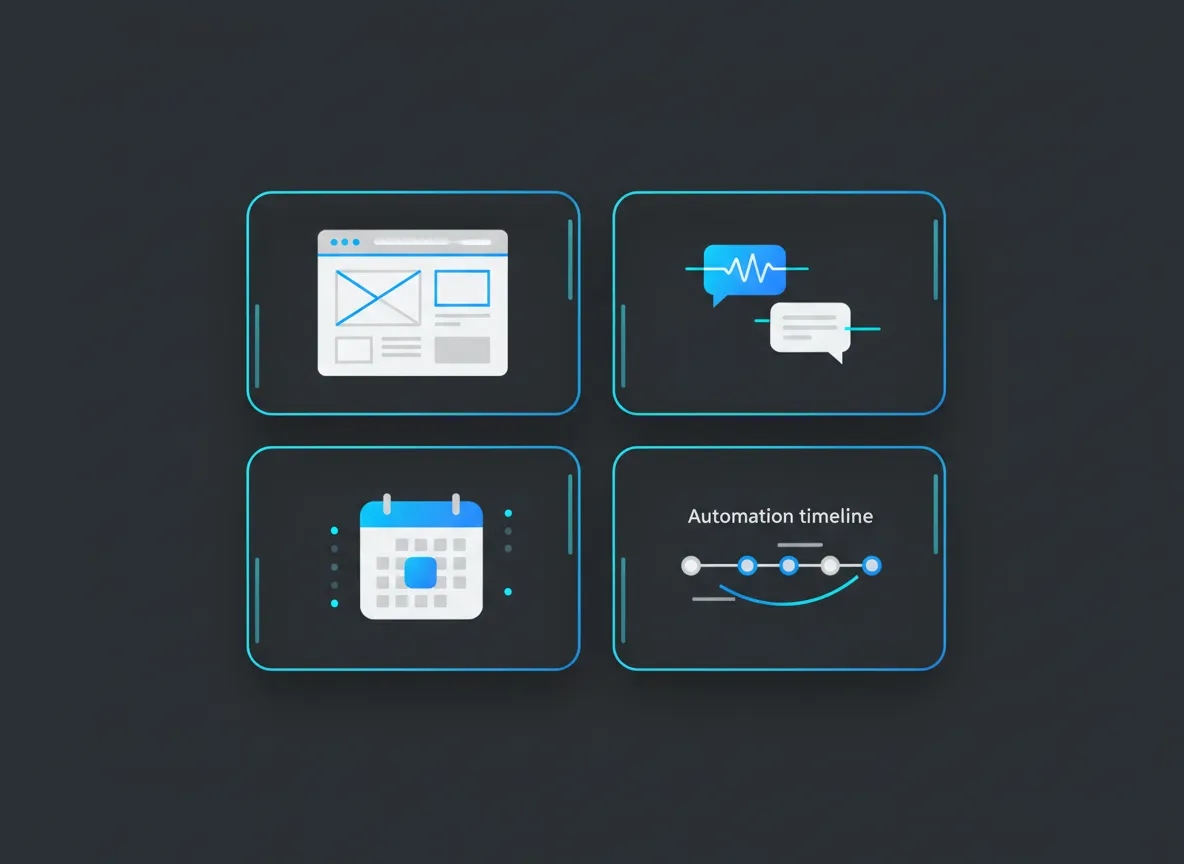
Flow overview
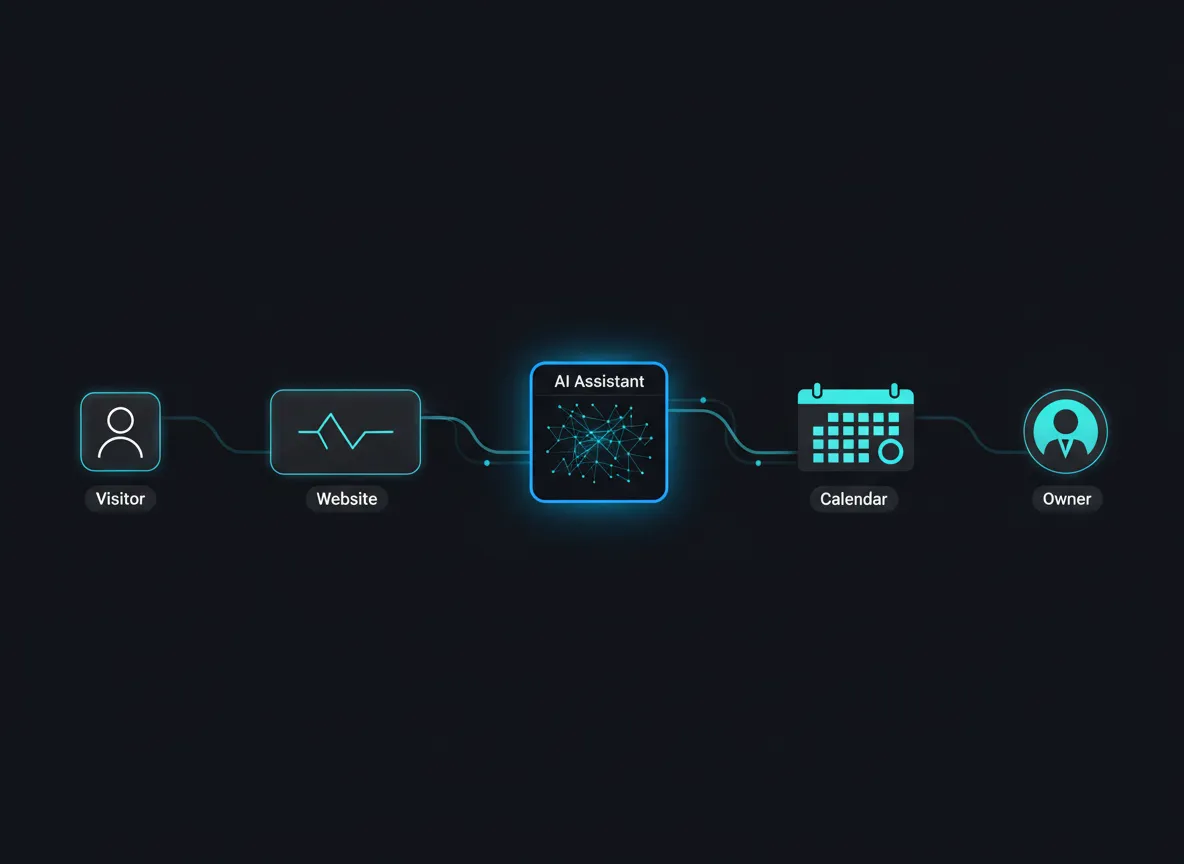
Visualized: visitor lands, has a conversation, books, and lands on your calendar — without you touching it.
Before the System
Missed calls.
Late replies.
DMs, texts, emails — all scattered.
Manually following up after long days.
Nothing is broken — it’s just all on you.
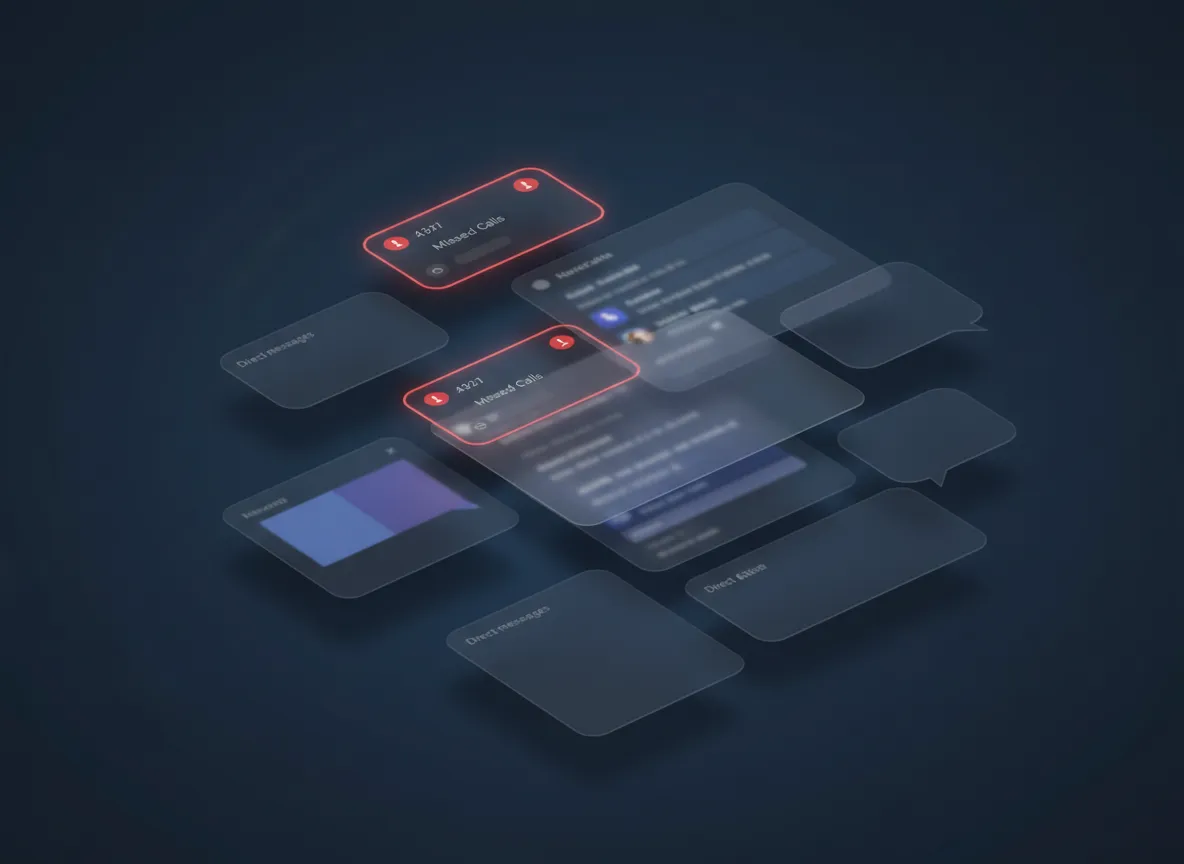
Calls, texts, DMs, and email — all competing for attention in different apps.
After the System
Everything flows into one place.
Handled automatically.
Ready when you are.
The same work, without the constant coordination.
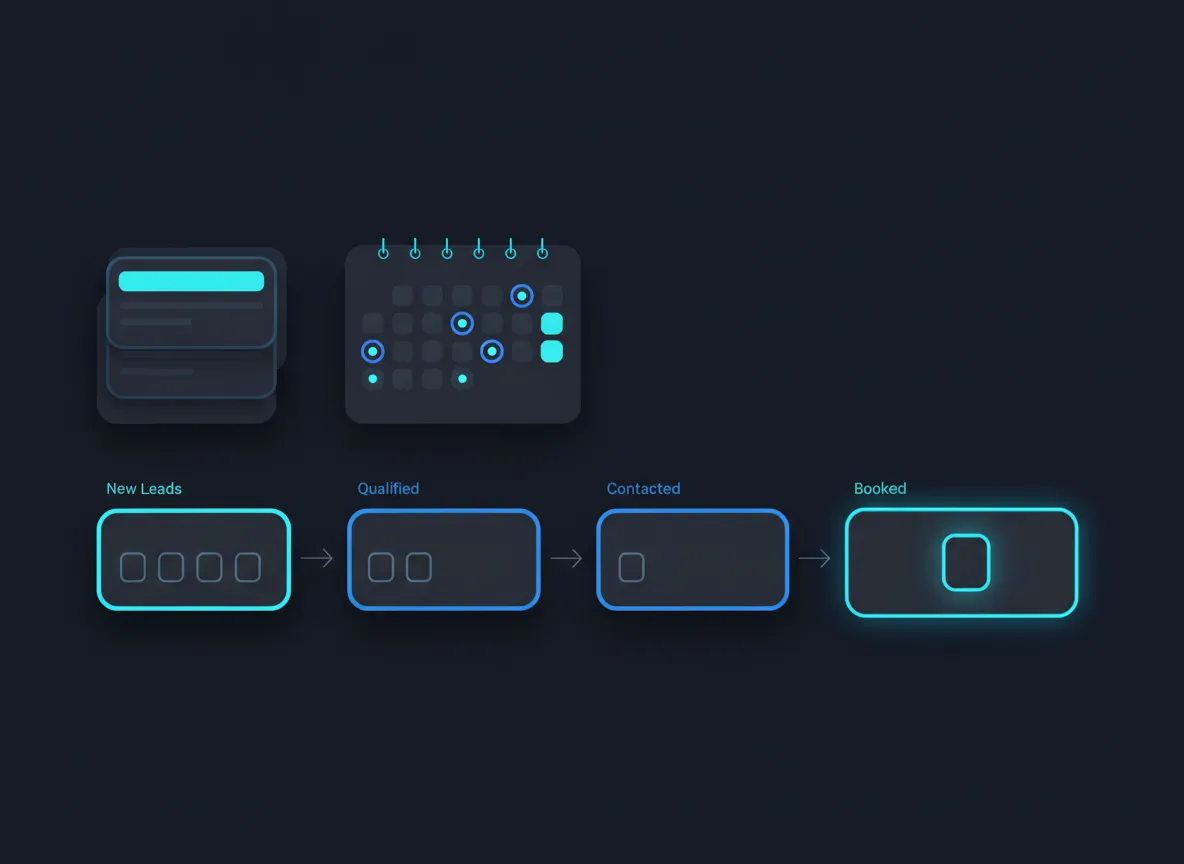
One calm view: new inquiries, conversations, and booked work — all in a single interface.
HOW IT WORKS
The System in Five Simple Pieces
Each part is simple on its own. Together, they remove almost all of the pre-service work from your day.
Step 1
The Website
A high-performance website built to guide visitors to one clear action — book or request a quote.
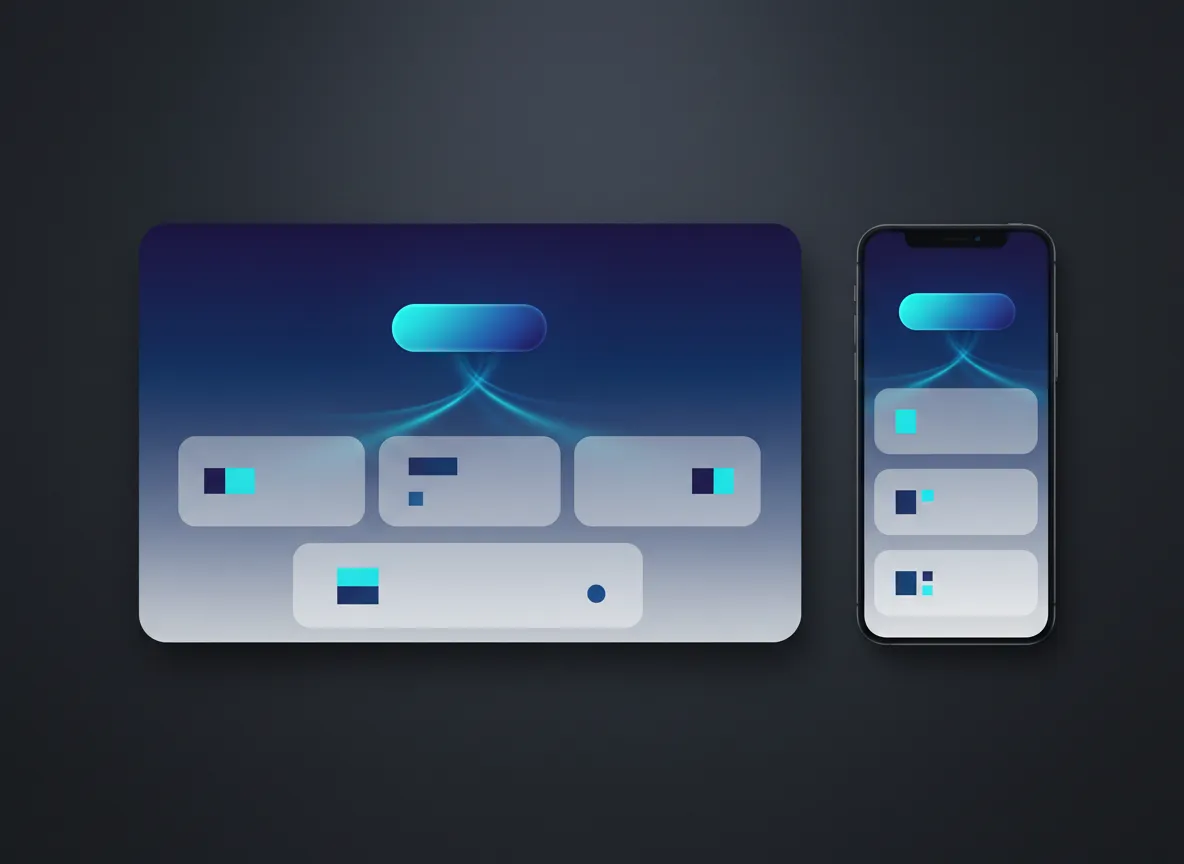
The design quietly routes visitors to your main action instead of 10 different choices.
Step 2
AI Handles the Conversation
An AI chat widget or voice agent answers questions, qualifies leads, and books appointments automatically.
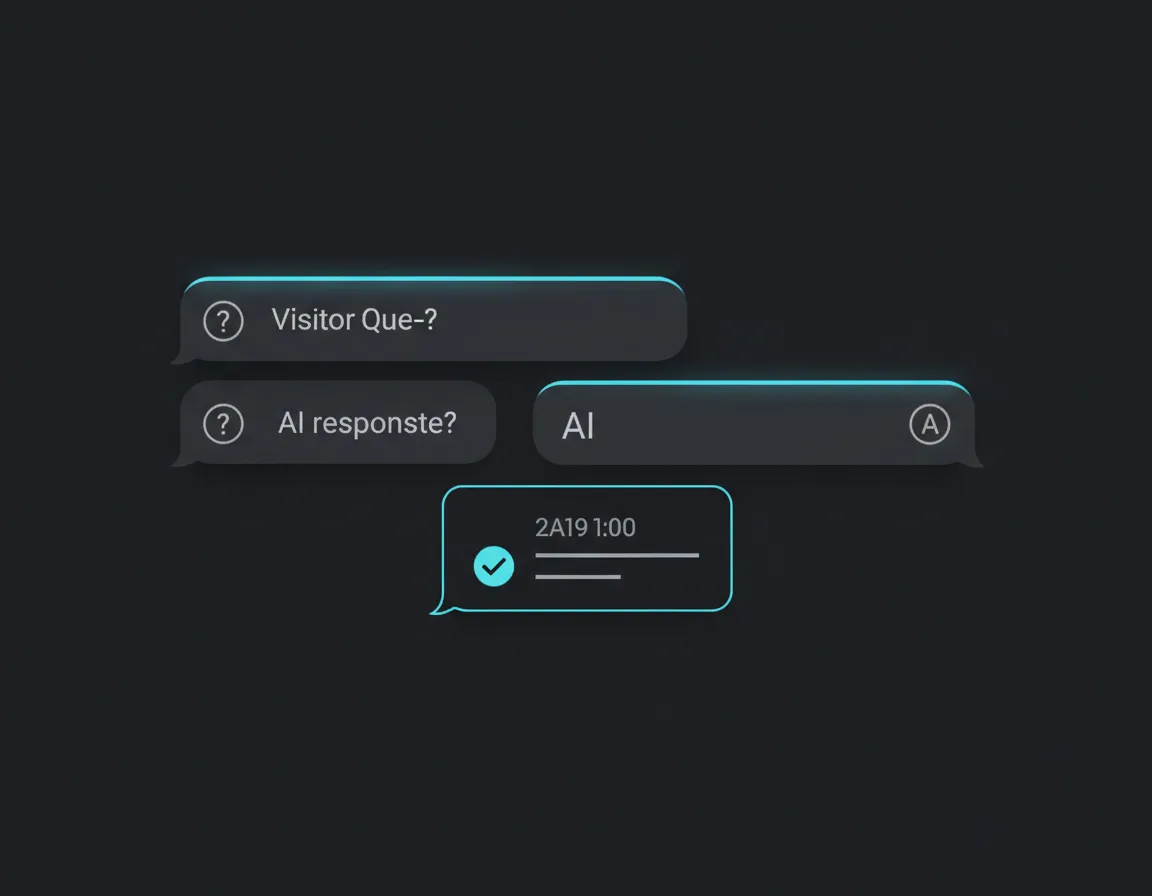
Visitors get answers and a confirmed time without waiting for you to pick up the phone.
Step 3
Booking & Calendar Sync
Appointments are scheduled instantly and synced across calendars — no back-and-forth required.
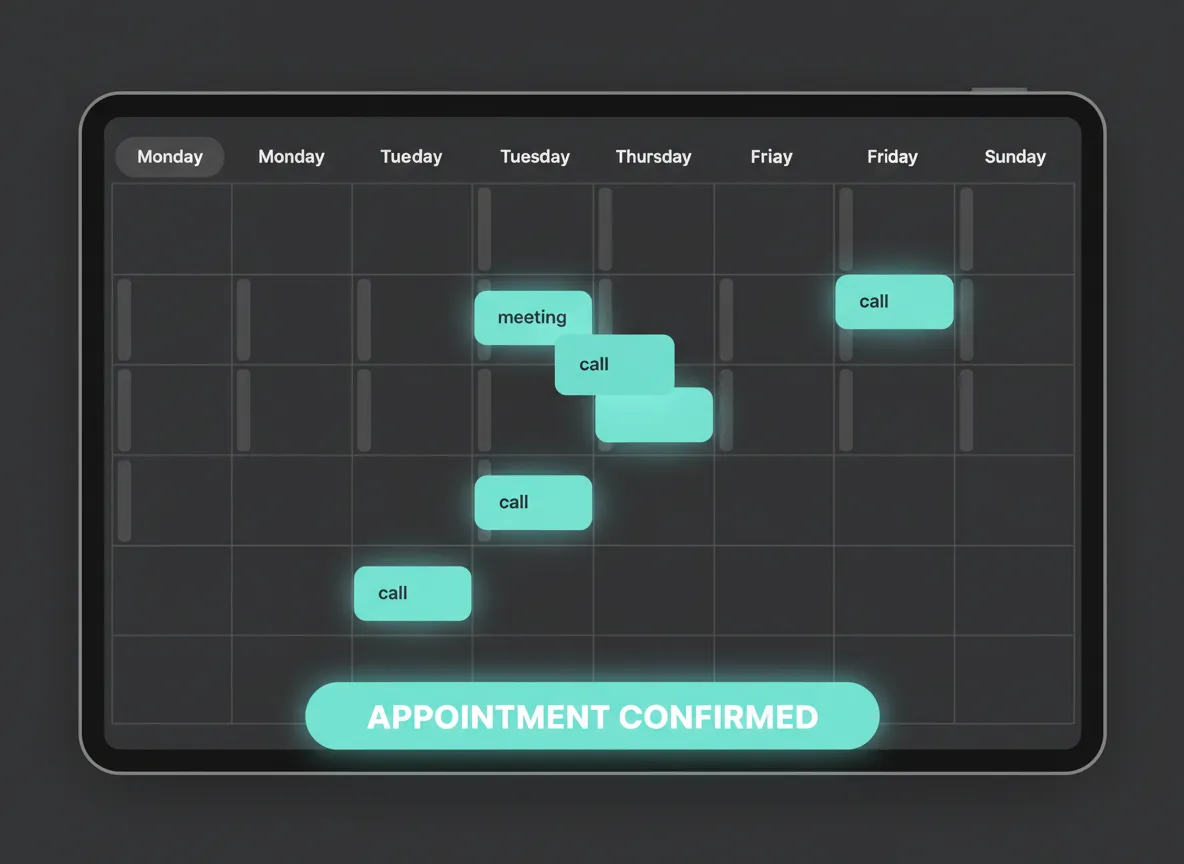
Bookings land where you already live — your calendar — with time zones and conflicts handled.
Step 4
All Info Delivered to You
Every detail is sent to you automatically — customer info, service details, time, and location.
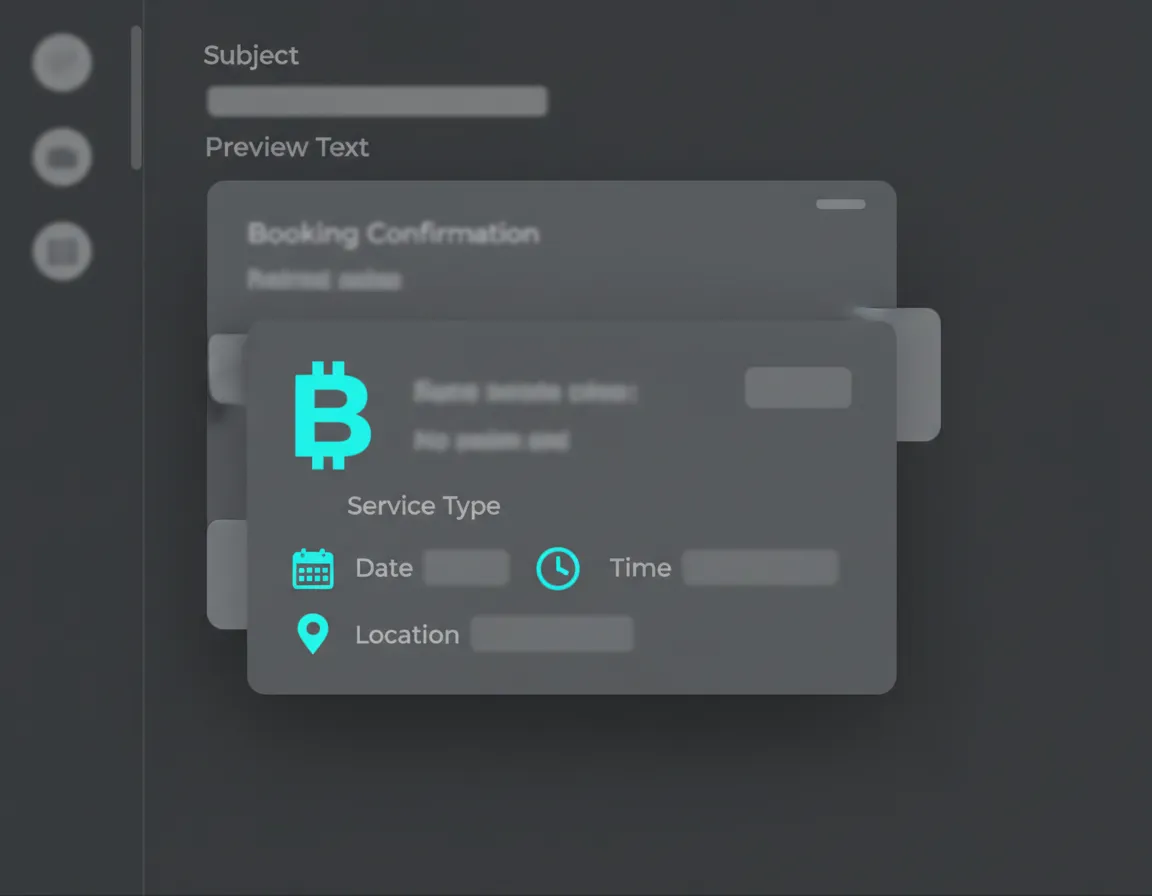
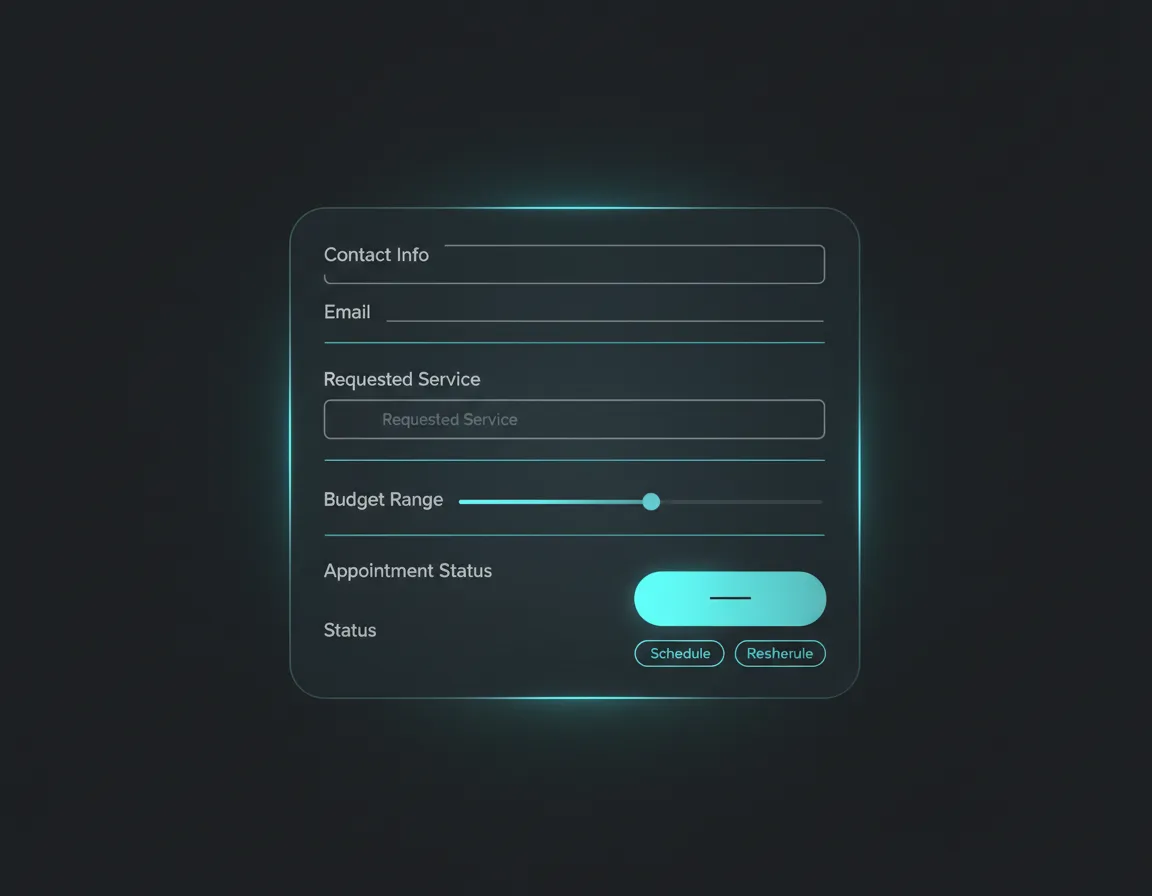
You open your inbox or CRM and everything you need is already there.
Step 5
Automatic Follow-Ups
The system follows up for you — confirmations, reminders, and next steps — without manual effort.
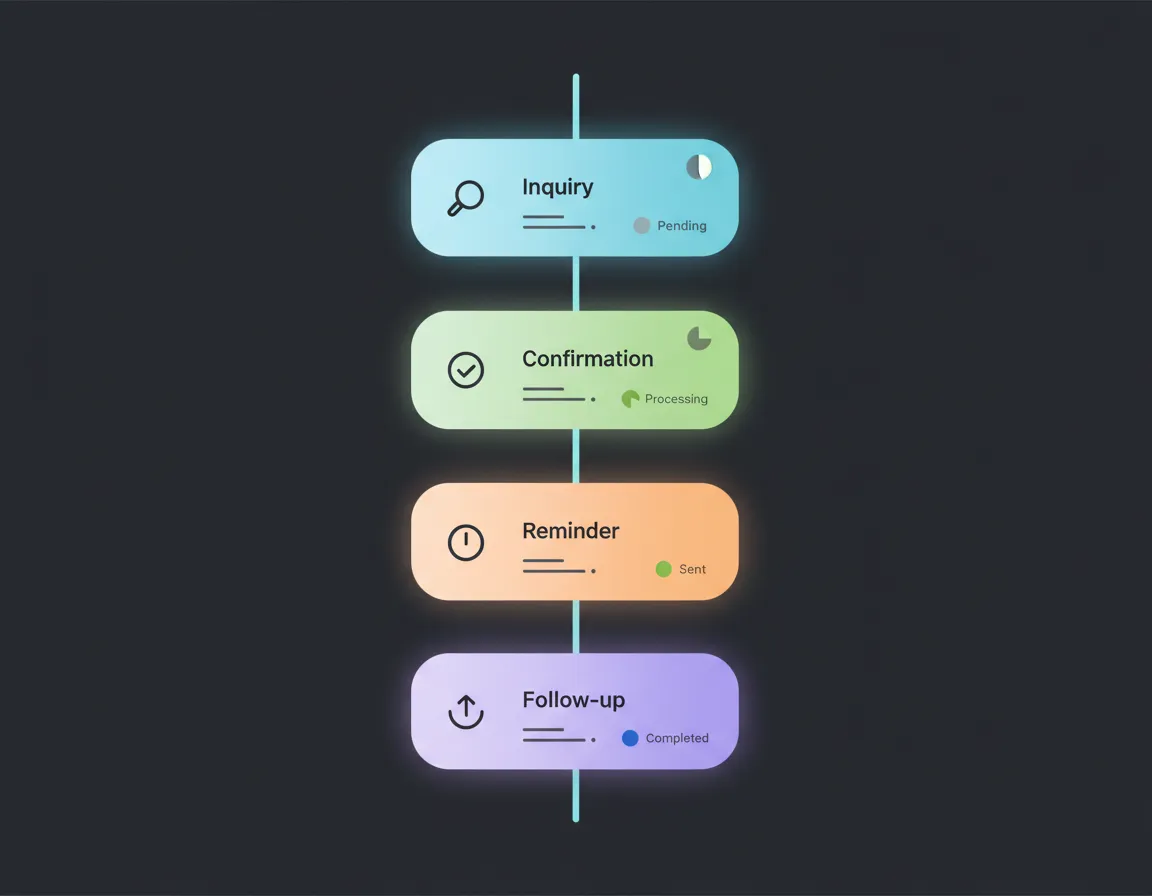
Clients get nudges at the right time. You don’t have to remember who to follow up with.
What You Actually Do
Check your calendar.
Show up.
Do the job.
That’s it.
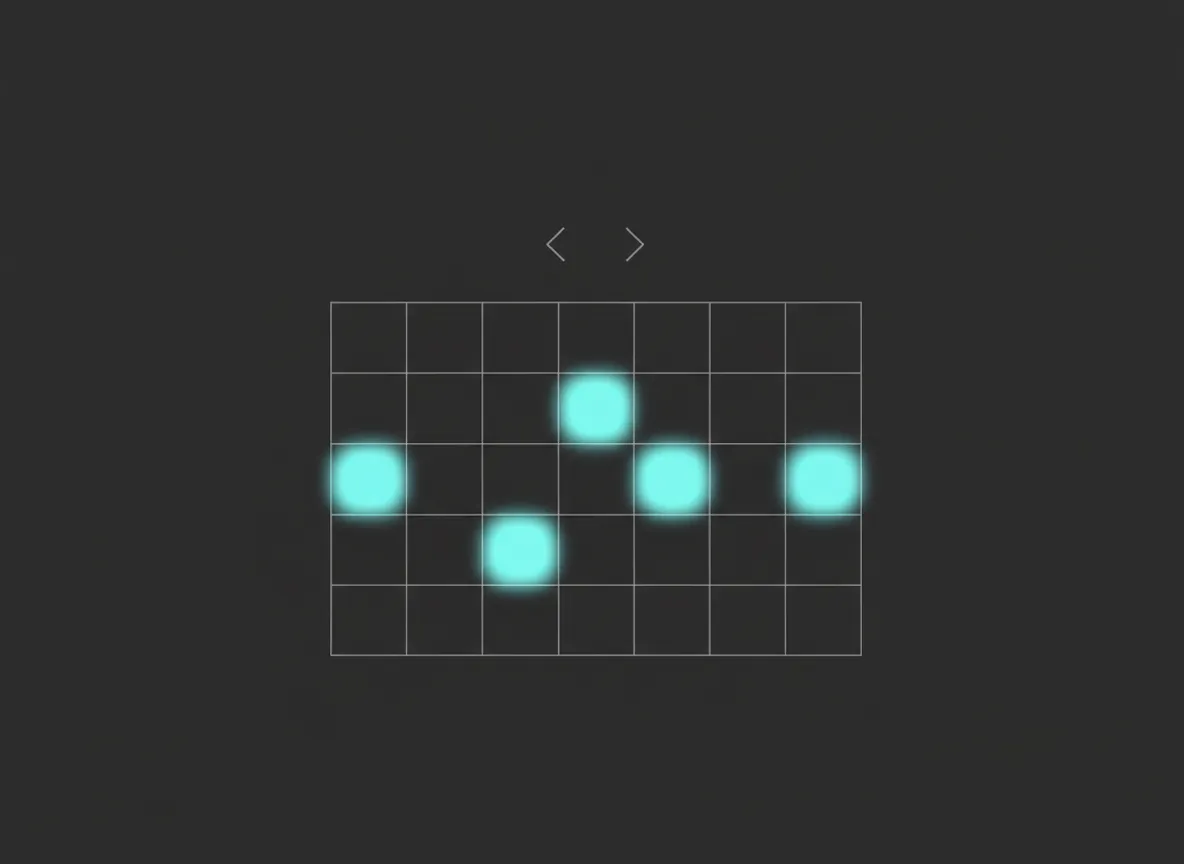
Your day is defined by work on the calendar, not chasing the work.
THE FREE DEMO
See It Before You Commit
We show you a working version of your system before you decide anything.
- We learn how your business works
- We build a live demo system for you
- We walk you through it on a call
No obligation. No pressure.
A short call is required to confirm scope and timeline.
Demo preview
You’ll see your flows, messages, and booking paths configured around your actual business.